Mastering Sanctuary: A Step-by-Step Guide to Diablo 4 Interactive Maps
Introduction
Sanctuary in Diablo 4 is an enormous, handcrafted world filled with distinct regions, each shaped by its inhabitants and history. From the rain-soaked bogs of Tirmair in Scosglen to the scorched deserts of Alzuuda in the Dry Steppes, every zone tells a story. But with so many hidden dungeons, Altars of Lilith, side quests, and world events scattered across the map, even the most seasoned adventurer can lose their way. That's where interactive maps come in—powerful online tools that let you explore every corner of Sanctuary without blindly wandering into danger. This guide walks you through using an interactive map effectively, helping you plan your journey, track progress, and uncover secrets you might otherwise miss.
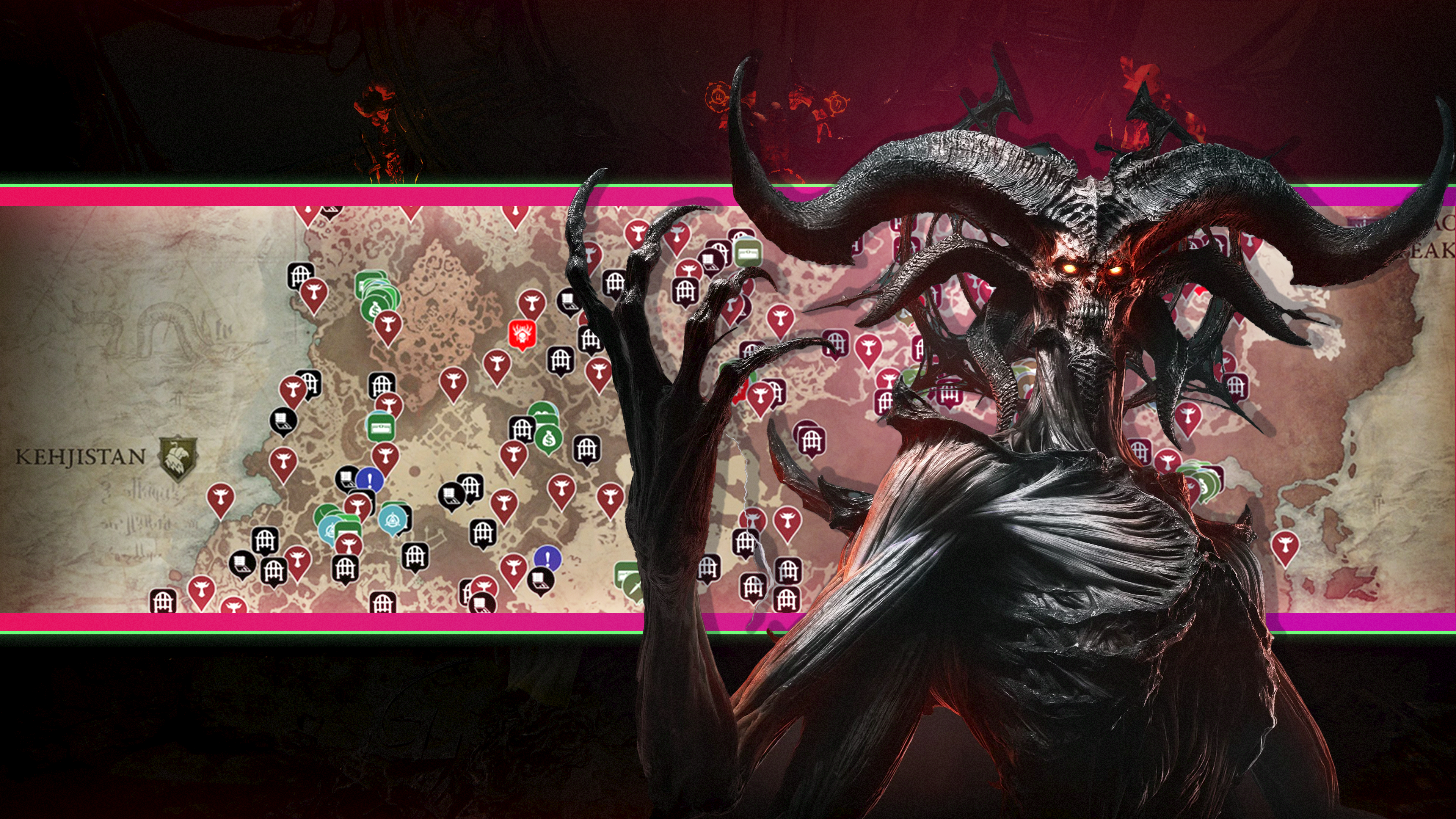
What You Need
Before you start, make sure you have the following:
- A computer, tablet, or smartphone with a modern web browser (Chrome, Firefox, Safari, or Edge).
- A stable internet connection to load the map data.
- Access to a reputable Diablo 4 interactive map website. Popular options include MapGenie, Icy Veins, and the official Diablo 4 community map hosted on sites like Wowhead or dedicated fan portals.
- Optionally, a second screen or device if you want to keep the map open while playing.
- Your Diablo 4 game progress (or at least a general idea of which regions you've unlocked) to sync or mark completed locations.
Step-by-Step Guide
Step 1: Choose a Reliable Interactive Map
Not all interactive maps are created equal. Start by visiting a trusted site that offers an up-to-date, community-tested map of Diablo 4. Look for features like zoom, coordinate overlays, and filters for different location types. Check user reviews or recent updates to ensure the map matches the current game patch. Once you've picked your tool, bookmark it for quick access.
Step 2: Get Comfortable with the Interface
Spend a few minutes exploring the map's basic controls. Use your mouse wheel or pinch-to-zoom to zoom in and out. Click and drag to pan across regions. Most interactive maps display a legend or sidebar that explains icons for dungeons, waypoints, events, and collectibles. Familiarize yourself with these symbols—they'll be your key to efficient navigation.
Step 3: Filter for What You Need
The true power of an interactive map lies in its filters. Look for checkboxes or dropdown menus that let you show or hide specific types of points of interest. For example:
- Altars of Lilith: Track down all 160+ altars for permanent stat bonuses.
- Dungeons: Find which ones are tied to your class's specializations.
- Waypoints: Unlock fast travel points across Sanctuary.
- Side Quests: Locate quest givers you might have missed.
- World Bosses: Check spawn timers and positions. Toggle only the categories relevant to your current goal to avoid visual clutter.
Step 4: Search for Specific Locations
Many interactive maps include a search bar. Type the name of a dungeon, city, or landmark—like 'Lights Watch' or 'Yehovah's Mercy'—and the map will zoom directly to it. This is a huge time-saver when you're trying to find a specific spot mentioned in a quest or guide. If you're not sure of the exact name, try partial matches or browse by region.
Step 5: Mark and Pin Your Discoveries
Create a personal record of what you've already done. Most interactive maps allow you to click on an icon and mark it as 'completed' or 'found.' Some even let you add custom pins with notes (e.g., 'Goblin spawned here'). Use these features religiously—they prevent you from revisiting cleared areas and help you track your overall progress toward 100% completion.
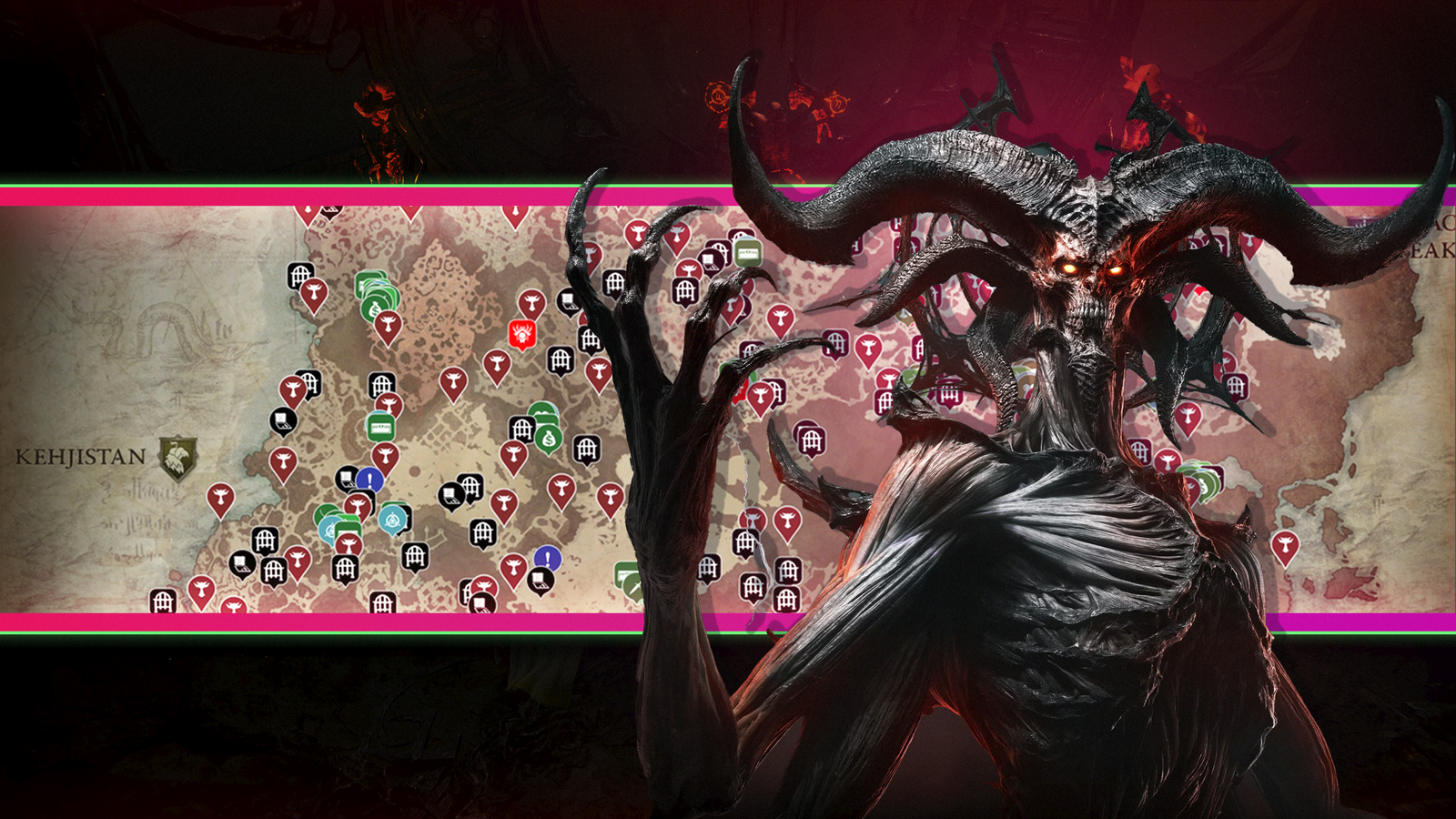
Source: www.polygon.com Step 6: Plan Your Route
Once you've identified a cluster of remaining objectives, plan an efficient route. Look at the map's minimap overview to see how locations connect. For example, if you need five Altars of Lilith in the Fractured Peaks, plot a path that starts at the nearest waypoint and snakes through the area without backtracking. Some interactive maps offer a 'route planner' or let you export coordinates to overlay on your in-game map.
Step 7: Sync with In-Game Progress
To maintain accuracy, compare your interactive map markers with your in-game map. If you've completed a dungeon but forgot to mark it, update your online map immediately. A few interactive maps allow account login and cloud syncing, so your progress carries across devices. If not, take a screenshot of your in-game map for reference and manually tick off finished areas.
Tips for Map Mastery
- Use a second screen: If possible, keep the interactive map open on a phone, tablet, or secondary monitor while you play. This avoids constant alt-tabbing and keeps you immersed in Sanctuary.
- Cross-reference with guides: Many interactive maps are paired with video or text guides that explain hidden mechanics. For instance, some Altars of Lilith are behind locked doors; a good map will include notes on how to access them.
- Check for updates: Diablo 4 receives regular patches that add or change locations. Bookmark a reliable map site and check its version number or last updated date before each play session.
- Use overlay mode: If your map tool supports it, activate a transparent overlay that you can resize and move over your game window. This aligns the online map with your in-game position (requires approximate alignment but saves time).
- Share with friends: Planning a co-op session? Share your marked map or route plan with your party so everyone knows where to go. Some interactive maps allow collaboration features.
- Don't rush - explore organically first: For your first playthrough, avoid overusing the interactive map. The thrill of discovery is one of Diablo 4's greatest joys. Save the map for post-campaign completion or when you're stuck on a specific objective.
By following these steps and tips, you'll turn the daunting expanse of Sanctuary into a well-charted domain. Interactive maps are not just cheat sheets—they're your compass, planner, and memory aid. Use them wisely, and may your journey through the Burning Hells be fruitful.