Why Wi-Fi 7 Won't Magically Fix Your Home Network: What You Need to Know
Wi-Fi 7 is often marketed as the ultimate remedy for all your network troubles—slow speeds, poor range, and device overload. However, the reality is more nuanced. While Wi-Fi 7 brings genuine improvements in speed, latency, and bandwidth efficiency, it's not a standalone fix. Your entire home network infrastructure—from Ethernet cables to switches and devices—must be ready to support it. Without that ecosystem, the benefits of Wi-Fi 7 remain largely theoretical. This Q&A breaks down what Wi-Fi 7 truly offers and why it's not the quick fix marketing claims.
What specific improvements does Wi-Fi 7 bring over previous standards?
Wi-Fi 7 (IEEE 802.11be) introduces several key advancements: higher theoretical speeds (up to 46 Gbps), reduced latency via multi-link operation (MLO), and better spectrum utilization through 320 MHz channels and 4096-QAM modulation. It also supports simultaneous use of 2.4 GHz, 5 GHz, and 6 GHz bands, which helps manage congestion. These features are significant for demanding applications like 8K streaming, VR, and real-time gaming. However, these gains are only realized when every link in your network chain—router, client devices, cables, and switches—is Wi-Fi 7 compliant. Without that full support, you'll see marginal improvements at best.
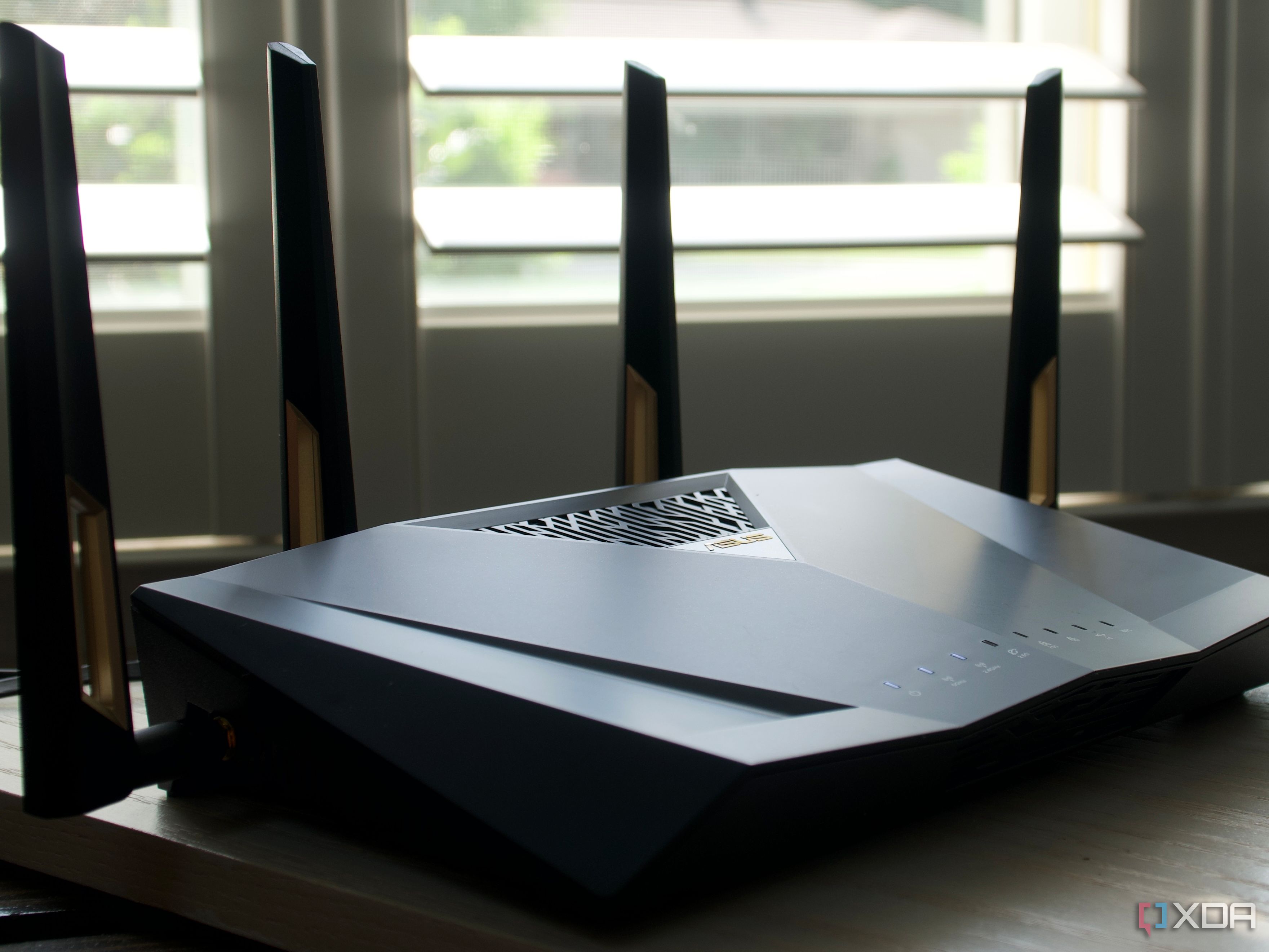
Why isn't Wi-Fi 7 enough to fix common home network problems?
Most home network issues stem from bottlenecks elsewhere—not just the router. Poor Ethernet cabling, outdated switches, or overloaded access points can throttle performance. Wi-Fi 7's high-speed channels require Cat6 or better cables and capable hardware to pass data efficiently. Similarly, if your devices (phones, laptops) don't support Wi-Fi 7, you won't benefit. Marketing often implies a new router alone solves all, but the reality is that your network's weakest link determines overall performance. Upgrading only the router without addressing these components is like putting a high-performance engine in a car with bald tires—frustration guaranteed.
Which network components must be upgraded to leverage Wi-Fi 7?
To fully tap into Wi-Fi 7, you need: Ethernet cables rated Cat6 or higher (Cat6a or Cat7 recommended for 10 Gbps+), switches that support multi-gigabit speeds (2.5/5/10 GbE), access points with Wi-Fi 7 chipsets, and client devices (laptops, tablets, phones) that also have Wi-Fi 7 radios. Additionally, your internet plan should deliver speeds commensurate with Wi-Fi 7's capabilities—otherwise, you're limited by your ISP. Many homes still use Cat5e cables and gigabit switches, which cap throughput and negate Wi-Fi 7's advantages. Upgrading this infrastructure is often more costly and complex than simply buying a new router.
Is my home network likely ready for Wi-Fi 7 right now?
For most households, the answer is no. Current home networks typically rely on Wi-Fi 6 or Wi-Fi 6E routers, with a mix of Cat5e or Cat6 cabling and gigabit switches. Wi-Fi 7 requires a complete ecosystem upgrade that few are prepared for. Additionally, very few client devices support Wi-Fi 7 as of 2025—most phones and laptops still use Wi-Fi 6 or 6E. Until these become mainstream, even if you buy a Wi-Fi 7 router, you'll mostly operate at older standards. Unless you're an early adopter with cutting-edge hardware, your existing setup is likely sufficient. Don't let marketing pressure you into an unnecessary upgrade.
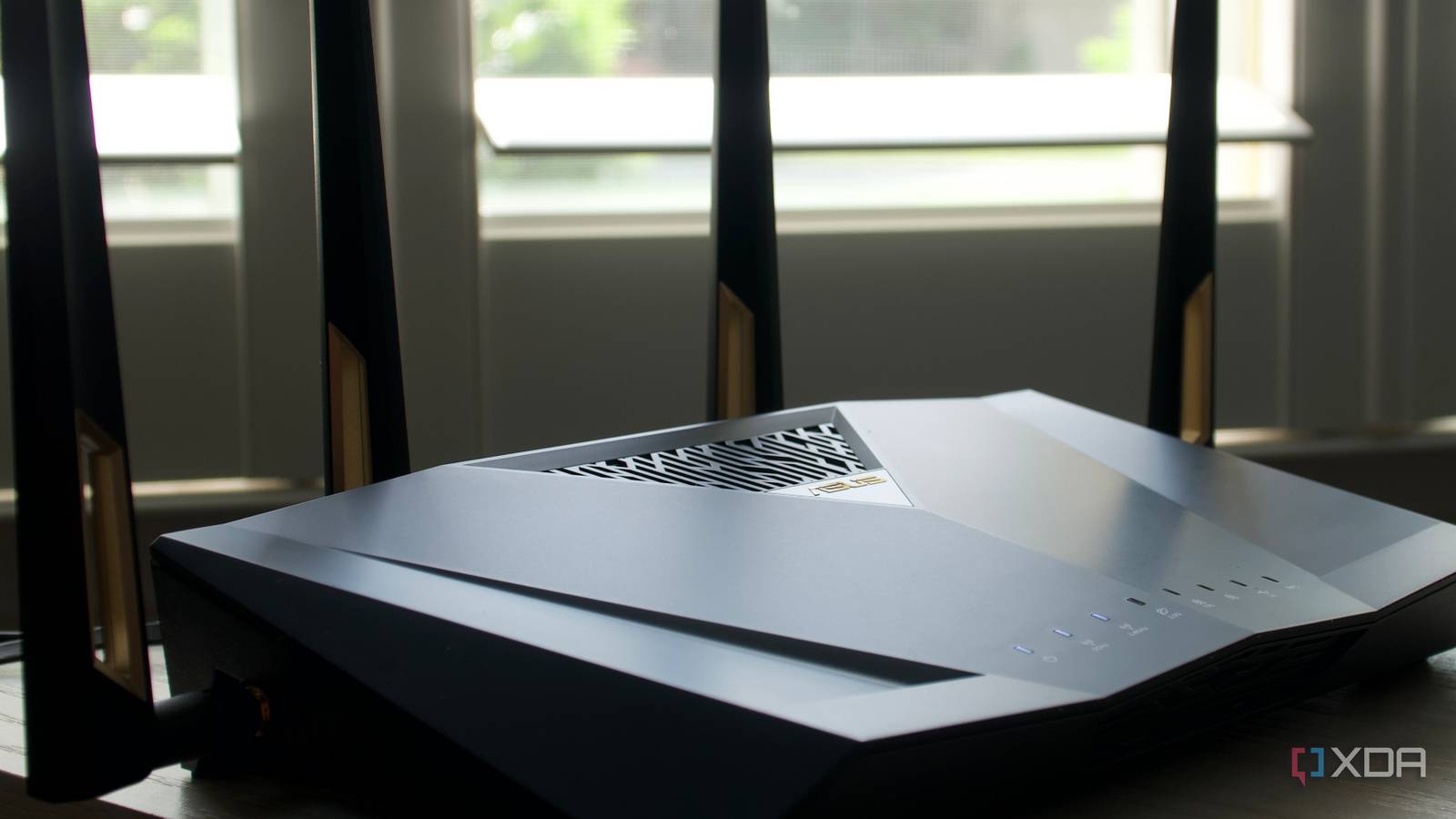
Should I upgrade to Wi-Fi 7 if I have slow speeds or poor range?
Probably not. Slow speeds are often due to ISP limitations, signal interference, or outdated client devices—not the router's standard. Poor range is typically a placement issue (router location) or interference from walls and appliances; Wi-Fi 7 can't overcome physical obstacles. Before buying a new router, optimize your current setup: reposition the router, reduce interference, update firmware, and check Ethernet cable quality. If those steps don't help, consider a mesh system or a Wi-Fi 6E router, which offers a more affordable upgrade path. Wi-Fi 7 is only beneficial when you have modern devices and a gigabit+ internet plan—most users don't need it yet.
What practical steps can I take to improve my network without buying Wi-Fi 7?
Start with these low-cost optimizations:
- Check your Ethernet cables—replace any Cat5e with Cat6 or higher for wired backhaul.
- Reposition your router centrally, elevated, and away from metal objects or microwaves.
- Update firmware on all networking gear to ensure best performance and security.
- Reduce interference by switching to less crowded channels using a Wi-Fi analyzer app.
- Add a mesh node or a second access point to extend coverage.
- Limit bandwidth-heavy devices via QoS settings on your current router.