Revive Your Wireless Earbuds with a Simple Cleaning Routine
Introduction
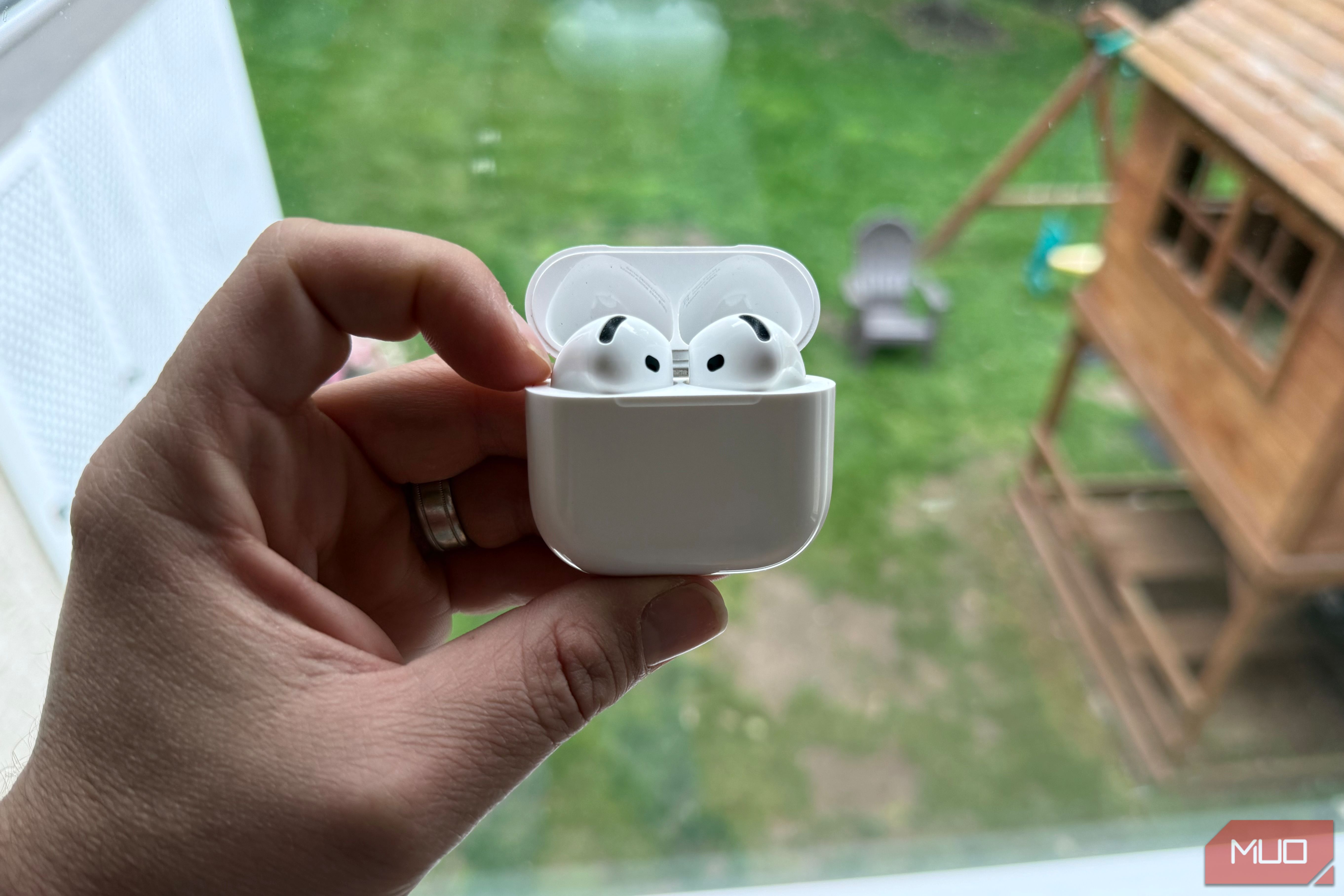
Over time, even the best wireless earbuds—like Apple's AirPods, Google's Pixel Buds, or Nothing's ear (1)—can lose their spark. You might notice lower volume, muffled sound, or slower charging from the case. Before you consider replacing them or tweaking your EQ settings or Spotify preferences, there's a quick, inexpensive fix that often solves these issues: a thorough cleaning. This guide walks you through a simple, step-by-step process to restore audio clarity and charging performance using common household items—all for under a dollar.
What You Need
- Soft-bristled toothbrush (or a clean, soft paintbrush)
- Wooden toothpick
- Cotton swabs
- Isopropyl alcohol (70% or higher concentration)
- Microfiber cloth (or lint-free cloth)
- Small bowl (for alcohol)
- Patience and good lighting
Step-by-Step Guide
Step 1: Inspect Your Earbuds and Case
Before cleaning, examine both earbuds and the charging case. Look for visible grime, earwax buildup on the speaker mesh, or debris in the charging contacts. This inspection helps you decide where to focus your efforts. Note any specific issues like one earbud being quieter than the other.
Step 2: Prepare Your Cleaning Station
Set up a clean, well-lit area. Dampen the toothbrush lightly with isopropyl alcohol—do not soak it. Dip a cotton swab in alcohol and squeeze off excess. Have the toothpick and cloth ready. Working over a paper towel can catch any falling debris.
Step 3: Clean the Speaker Mesh and Grills
Hold one earbud with the speaker facing up. Using the soft-bristled brush, gently sweep across the mesh in small circles. This loosens earwax and dust. For stubborn particles, lightly scrape with the toothpick—be careful not to puncture the mesh. Follow with a dry cotton swab to absorb dislodged debris. Repeat for both earbuds.
Step 4: Clean the Charging Contacts on Earbuds
Locate the small metallic contacts (usually two to three pins) at the base of each earbud. Dip a cotton swab in isopropyl alcohol and gently rub each contact. Wipe dry with a cloth. This removes oxidation or oil that can hinder charging. Avoid touching the speaker mesh with the alcohol.
Step 5: Clean the Charging Case Contacts
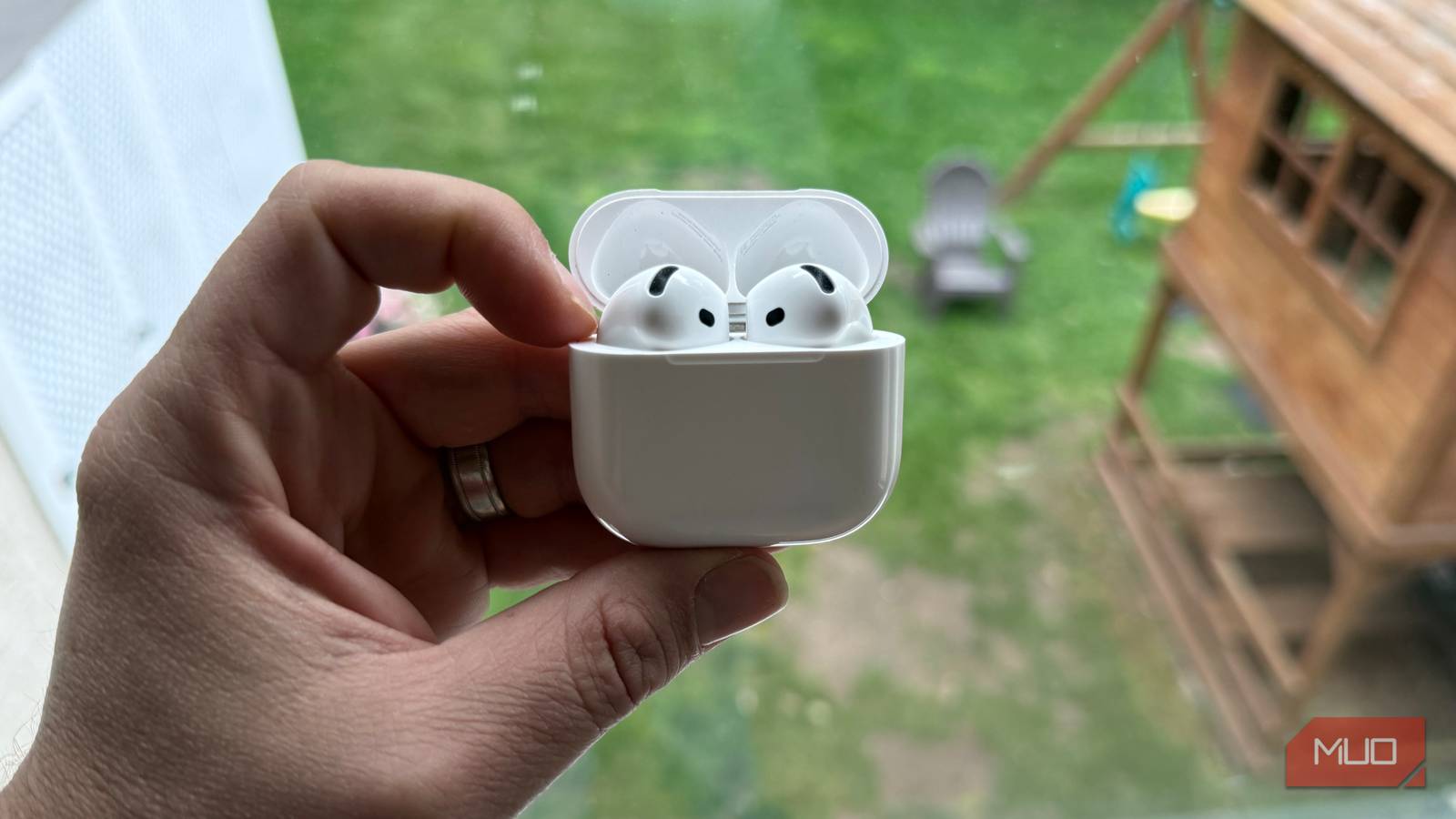
Inside the case, you'll find corresponding contact points. Use a cotton swab slightly moistened with alcohol to clean these. Check the charging port (if your case uses USB-C or Lightning) for lint—use a toothpick to carefully extract any debris. Wipe the entire interior with a dry cotton swab.
Step 6: Clean the Earbud Stems and Case Exterior
Wipe the stems (if applicable) and the outer case with a microfiber cloth to remove smudges. For tougher spots, a tiny amount of alcohol on the cloth works well. Ensure no moisture enters any openings.
Step 7: Let Everything Dry and Reassemble
Leave the earbuds and case open for at least 10–15 minutes to allow any alcohol to evaporate fully. Place the earbuds back in the case and close the lid. Charge for a few minutes, then test audio and charging speed.
Step 8: Test the Results
Play music at a moderate volume. You should notice clearer highs and better volume balance. Check that both earbuds charge by observing the case's LED indicator. If problems persist, consider further steps like resetting the earbuds or checking for software updates.
Tips and Conclusion
- Regular maintenance prevents buildup. Clean your earbuds every two to four weeks, especially if you use them during workouts.
- Avoid excessive moisture. Never spray alcohol directly onto the earbuds; always dampen the tool first.
- Use gentle pressure. Pushing too hard can damage the delicate mesh.
- If cleaning doesn't help, explore other adjustments like setting a proper EQ or changing your Spotify settings for better sound.
- Remember: This $1 fix often saves you from buying new earbuds. Simple cleaning can restore performance and extend their life.
By following these steps, you've given your wireless earbuds a new lease on life. Enjoy crisp audio and fast charging again—without spending a fortune.